An All-in-One Tool to Manage Your Mac
Manage unused apps, startup items, resource-heavy activity, and duplicate or unnecessary files.
Free download includes 7-day free trial - No credit card required
Compatible with Mac OS 13+ from 2017 and newer
From the developers at  Avanquest, a top 10 global consumer software company.
Our commitment to innovation and reliability is what sets us apart.

Understand your Mac at a glance
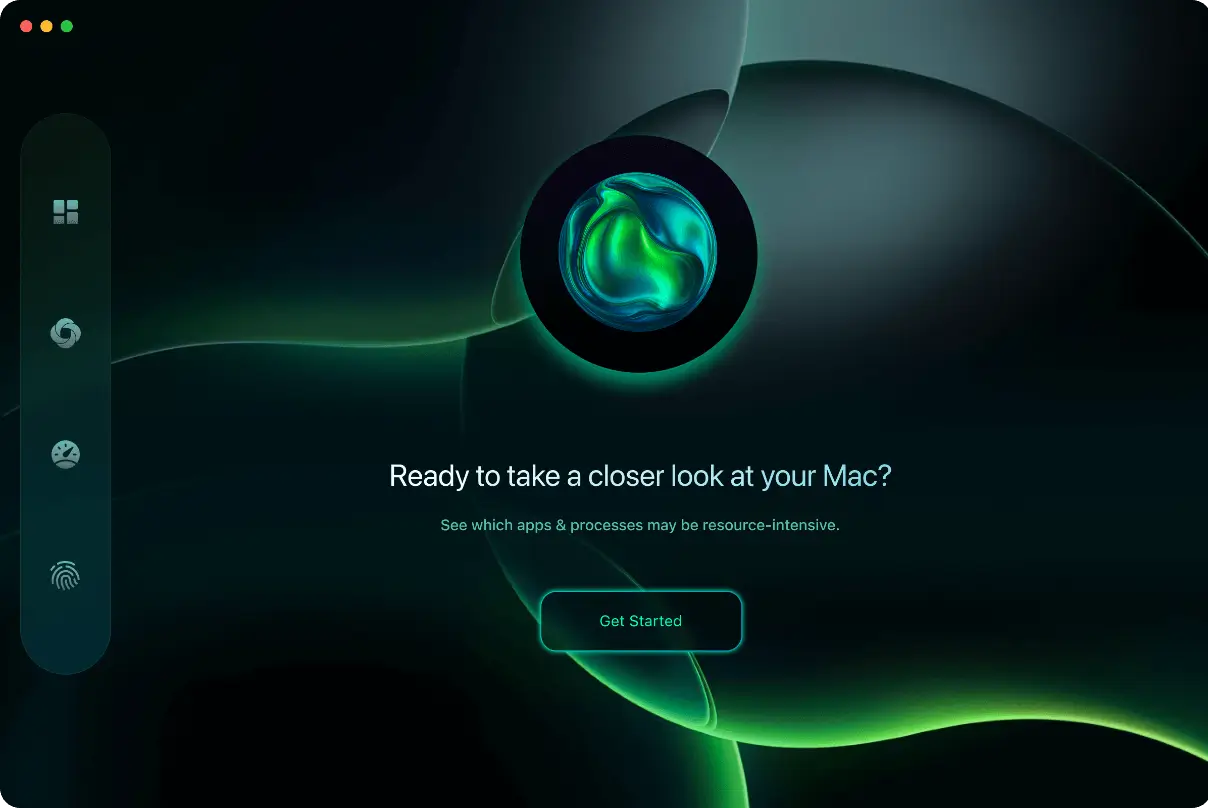
Three simple scans cover the essentials: storage, system activity, and key health indicators such as battery and disk.

Review Storage Usage
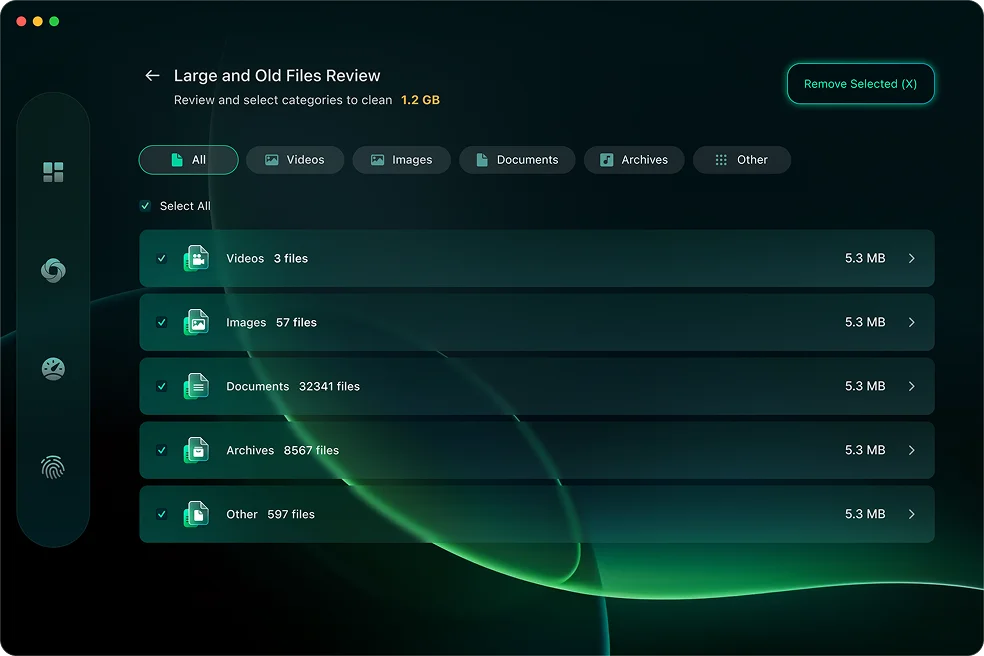
Identify large files, duplicate items, and other data that may no longer be needed. All actions require your approval, giving you control over what is removed.
- Clear, organized file listings
- No files removed automatically
- User-initiated actions only

Evaluate System Performance
Review applications and startup items that may use significant system resources. Easily identify active processes and manage them directly.
- Identify apps using high system resources
- Simple tools to manage startup activity
- You remain in control of changes

Monitor System Status
View indicators related to disk usage and battery condition to help you make informed decisions about maintenance and backups. Clear summaries provide visibility into your Mac's current state.
- Overview of storage and battery status
- Suggested actions for your review
- Changes only occur with your approval
Free up space - safely and clearly
Review files located in your home folder and choose what to keep or remove. No changes occur without your approval. Download Now →
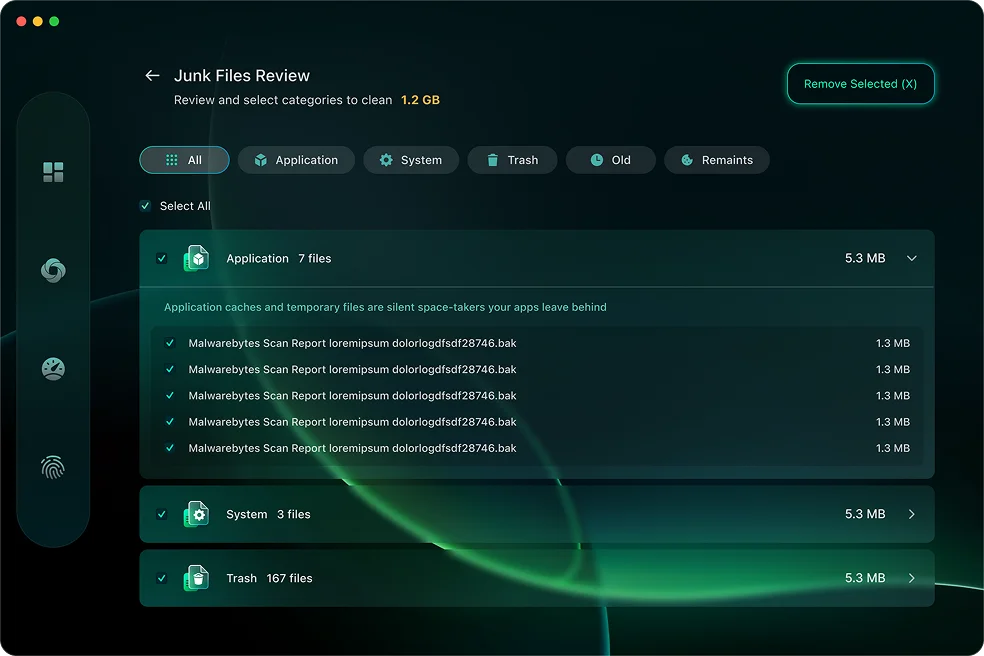
Over time, apps leave data you don't need. Review the results and remove what you choose — nothing happens without your say-so.
Quickly sort by size or age, preview what's safe to remove, and keep what matters. Clear space without digging through folders.
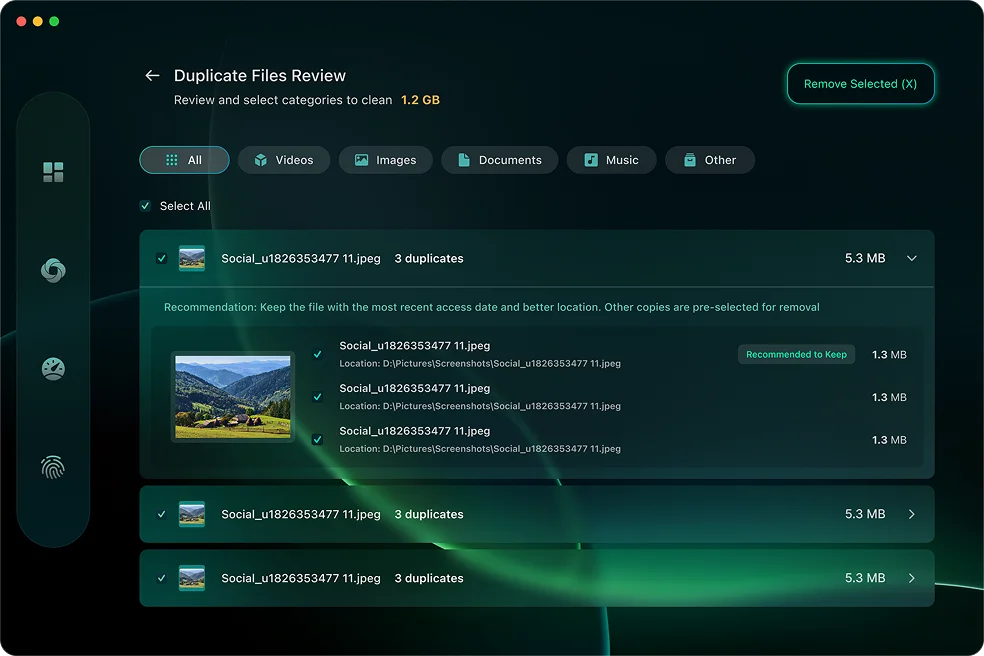
CleanBuff compares files byte-for-byte to avoid false matches, then suggests safe removals you can confirm in one step.
Understand Your Mac's Performance
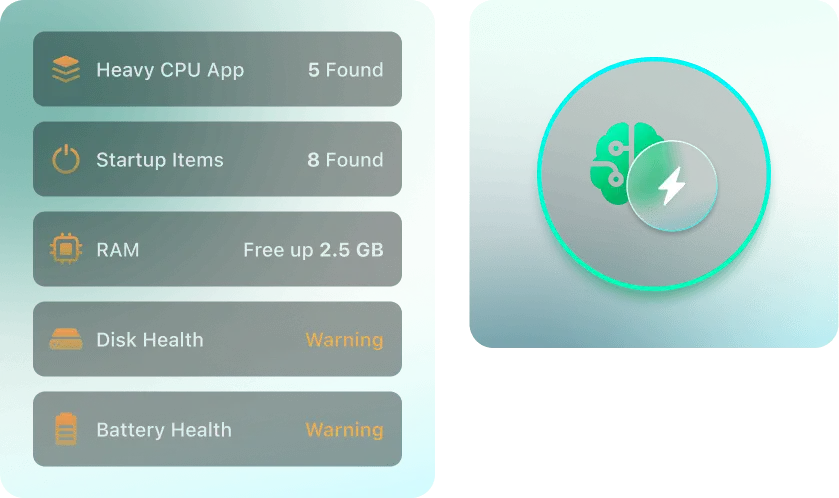
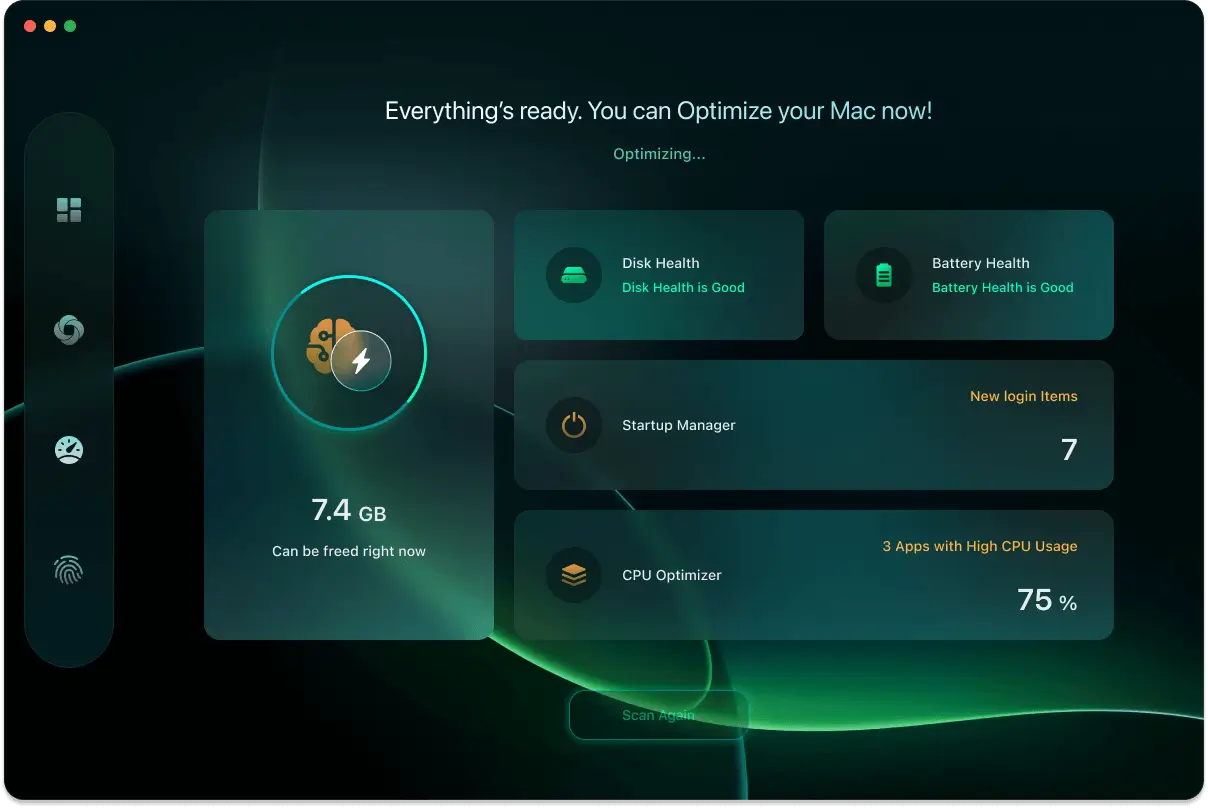
Explore potential causes of reduced responsiveness and decide how to address them.

Startup Manager
View applications and background services that launch at login. Review and manage startup items using simple controls to adjust system startup behavior.

RAM & CPU Monitoring
View memory usage and processor activity, and identify applications that are using significant system resources. Any actions are initiated by you.

Disk Health Monitor
View available disk information, including supported S.M.A.R.T. indicators, to help assess storage conditions and decide when to review backups or maintenance options.

Battery Health Monitor
View battery capacity, cycle count, and temperature information. Review general usage guidance related to battery care and performance.
Simple steps to a faster, cleaner Mac
1. Install
Download CleanBuff and open it like any other macOS application.
2. Scan
Run a one-click overview to view information related to storage usage, system activity, and available resources.
3. Review
View clear results and choose which items or settings you want to manage.
4. Apply
Apply selected changes with your approval to adjust system settings and file organization.
Questions, answered
Clear System Management. Simple by Design.
A straightforward way to review and manage your Mac — free to try and easy to use.